
DIRECT2CDJ
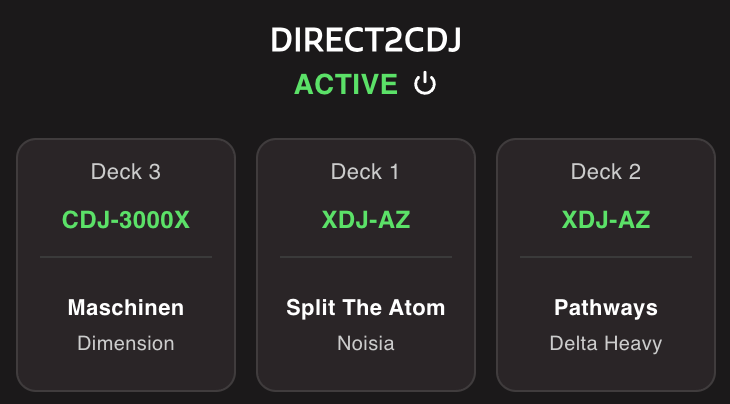
DIRECT2CDJ allows Lexicon to connect to a CDJ directly over the network. This uses Pioneer's Pro DJ Link and is what Rekordbox uses to connect to CDJs. Inside Lexicon we just call it DIRECT2CDJ.
This is intended for quick and easy prep with your CDJ or XDJ at home. Do not use it in a live situation.
Compatiblity
DIRECT2CDJ works on any network capable CDJ or XDJ device.
The XDJ-RX3 use Pro DJ Link over USB and is not supported.
Realtime
When you add or remove cues on the device, they will appear or update in Lexicon immediately so this can be a great way to set your cues on your real gear.
CDJ settings
Lexicon uses your setting files from Rekordbox when connecting to the CDJ/XDJ. So if you want to change settings, you need to do that in Rekordbox and Lexicon will pick that up.
DIRECT2CDJ settings
Settings for DIRECT2CDJ are shared with your Pioneer USB sync settings, on the Sync screen.
Changing Field Mappings, Convert Keys, Nearest Color or Cue Destination on the sync screen for Pioneer USB will also affect how DIRECT2CDJ handles that.